A subscription tracker app for Android that stays on your phone
SubTrack keeps your subscriptions, bills and memberships in one list, reminds you before they renew, and shows what they add up to each month and year. You type them in; nothing is linked to your bank.
For Android. No account. No bank connection.
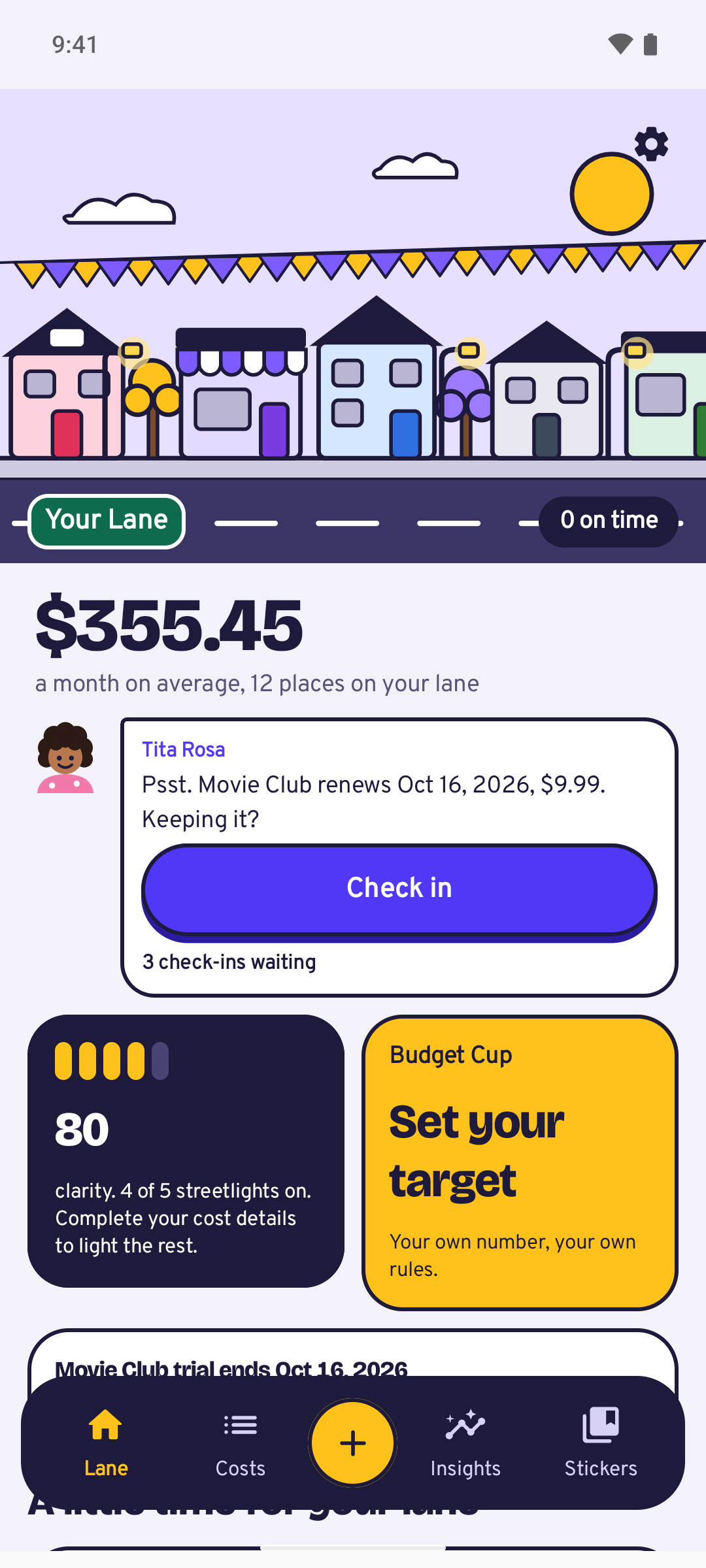
What a subscription tracker app should do
Most people lose track of subscriptions for one reason: the charge date is not where they look. A good subscription tracker app for Android puts every recurring cost in one place, tells you before the next one is taken, and shows the yearly total, which is usually bigger than expected.
SubTrack does exactly that, and it is honest about what it does not do. It does not find your subscriptions for you, check what a provider actually charged, or cancel anything. You stay in control of your records and your accounts.
What you get in SubTrack
- One list for everything that repeats. Streaming, music, software, gyms, phone plans, insurance, rent, loans and memberships. Free tracking has no limit on how many you add.
- Reminders before renewals. Standard renewal, due-date and free-trial reminders are included in the free version.
- Monthly and yearly totals. Home shows what your recurring costs add up to, so a few small amounts do not hide a big annual number.
- A renewal calendar. See what is coming up in the month ahead.
- Provider links. Open a provider's own site from the app when you want to review or change a plan, then record the outcome yourself.
- Backup and export. JSON backup and import, plus a CSV export for spreadsheets.
- Premium, if you want more. Analytical Insights, price-change monitoring, category budgets, PDF reports and more. New subscribers get a free trial of Premium, and Google Play shows the price and terms for your country before you buy.
Privacy: no bank login, no account
SubTrack is local first. Your records live in app storage on your phone. You do not create an account and you do not hand over bank or card credentials, because the app never connects to your bank or card. The trade-off is that you enter each subscription yourself, which most people find takes a few minutes for the ones they know about. The guide to finding all your subscriptions helps you build the list.
Android may back up or transfer app data, and optional diagnostics can be switched off in Settings. The privacy policy has the details.
Who it suits
SubTrack suits people who want a calm, private overview of what they pay on repeat, and who would rather type in a list than link a bank account. If you want an app that automatically detects charges from your bank, a manual tracker is not that. See the Rocket Money alternative page for how the two approaches differ.
Trials are a common way to end up paying for something you did not mean to keep. SubTrack lets you record the trial end date and reminds you ahead of it: see free trial reminders.
Common questions
Is SubTrack a free subscription tracker for Android?
Yes. Tracking an unlimited number of subscriptions and bills, monthly and yearly totals, the calendar and standard reminders are free. Premium adds deeper analysis, and new subscribers get a 7-day free trial; Google Play shows the price and terms for your country.
Does SubTrack connect to my bank account?
No. You enter your subscriptions yourself, so there is no bank login, no card linking and no account to create.
Does SubTrack find my subscriptions automatically?
No. It does not scan your bank, email or Google Play account. Our guide to finding all your subscriptions shows where to look.
Can SubTrack cancel a subscription for me?
No. SubTrack can open the provider's own page so you can make changes there, and you can record the result in the app. Recording a cancellation in SubTrack does not cancel anything with the provider.
Does it work offline?
Yes. Manual tracking and reminders work offline. Google Play purchases, update checks and optional remote logos need a connection.
Know what renews next
Add your first subscription in under a minute.
Find SubTrack on Google PlayFree to download · Android · Optional Premium